
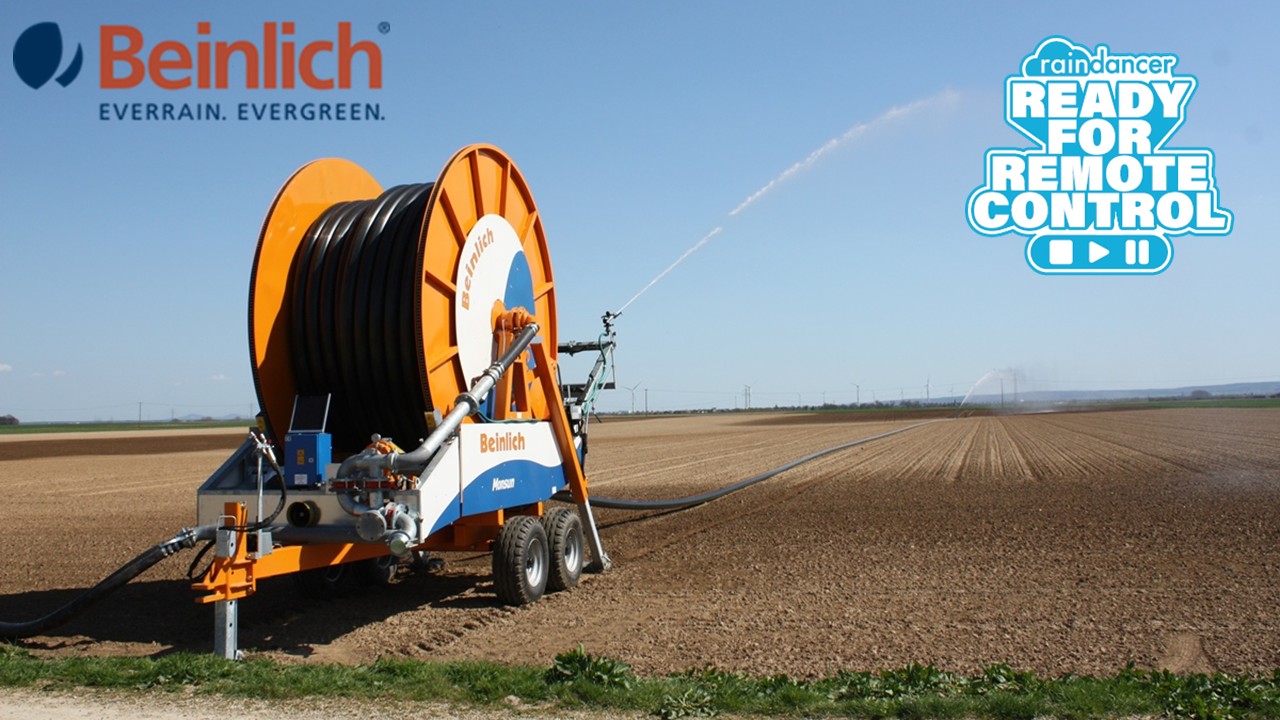
Beinlich 4KR
Create API users in Raindancer
Create a new user in the user overview on the Raindancer Portal
Username: API User
Password: You decide this!!! PLEASE MAKE A NOTE OF IT!!!
Store API user data in the Beinlich Cloud
Logging into the Beinlich Cloud
- Open the Beinlich Cloud using the following link:
https://everrain.beinlich-beregnung.de - Log in using your personal credentials.
These are provided by Beinlich. - In the top menu, navigate to the “Connection” section.
- Enter your login credentials.
- Click on “Test Connection”.
- If a green check mark appears, the connection was successful.
- Finally, click “Save” in the bottom right corner to store your settings.
If the connection test fails, please check the API user in the Raindancer portal again as well as the entries in the Beinlich Cloud. If it still does not work, please contact your Beinlich partner or Raindancer.
Configuration in the Raindancer Portal
- Switch to the Raindancer portal.
- Open the irrigator overview.
- Select the desired irrigator and click “Edit” in the corresponding row.
- Navigate to the “Setup and Control” tab.
- Select “Beinlich API” as the control type.
- Then choose the appropriate control device from the dropdown menu.
This device is named after your irrigation system in the Beinlich Cloud
Where to Find the SWS Number on the Machine. The SWS number can be found in the main menu of the Beinlich controller. Alternatively, you can open the controller and read the SWS number on the inside of the cover. Please note that it may be difficult to access or read due to internal wiring.
Configure the Beinlich Controller before first use
If the machines are not yet displayed online in the Beinlich Cloud during the initial setup, this may be because the controllers first need to be configured.
The configuration can be completed easily in just a few steps. Please follow the step-by-step guide in this 4KR Verbinden mit dem Everrain Portal (2).pdf.
Costs
Billing for the Beinlich Cloud, including the SIM card, is handled directly by Beinlich and charged to the end customer.
As of April 22, 2026, the annual fee is €100.
No Comments