Ocmis API
This guide applies to all IP controllers in the OCMIS product family running software version 24.0.1 or later:
Irtec Smart Rain, OCMIS RainControl 5 & Marani
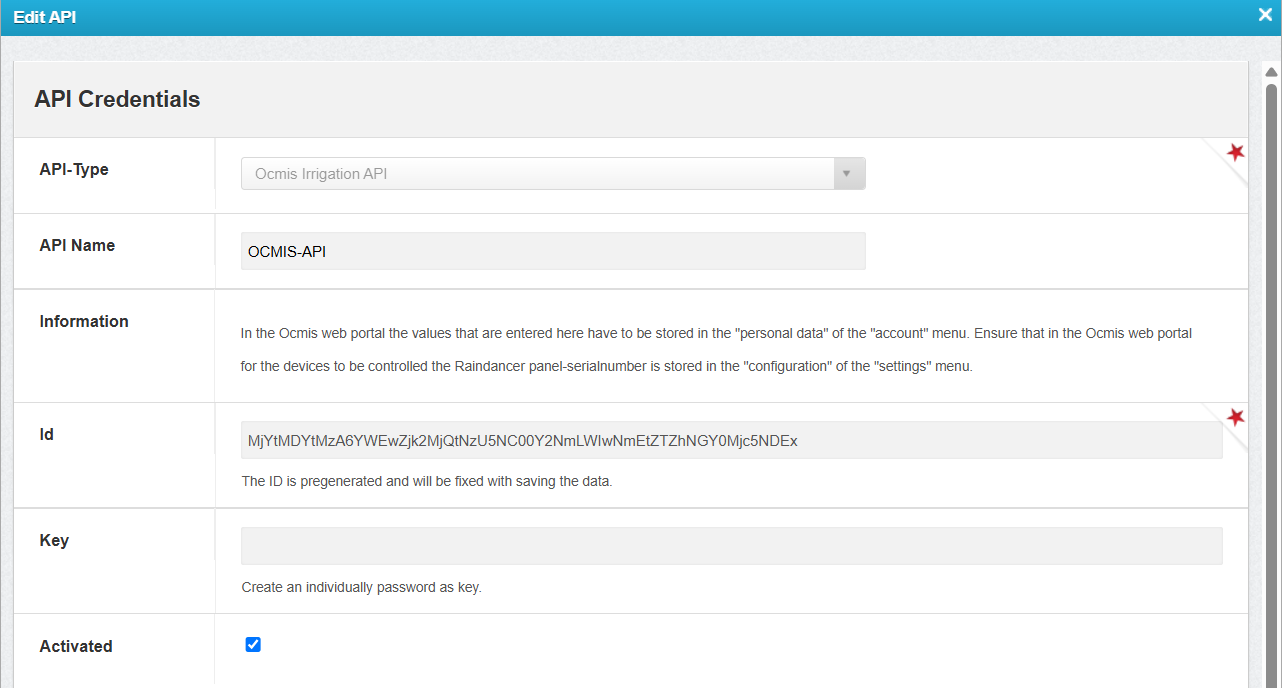
1. Create a New API in the Raindancer Portal
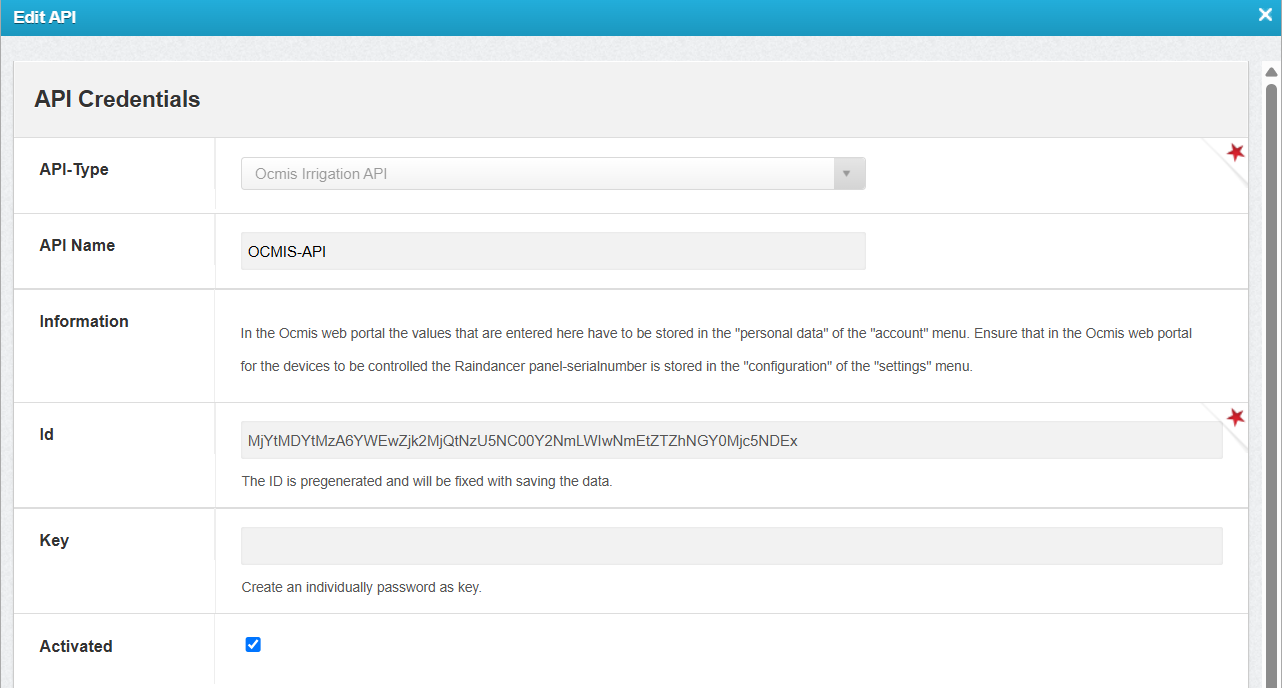
- Configure the API connection in Raindancer under Settings → API → New API
-
API Name: Freely selectable
Example: OCMIS API -
ID: Automatically generated
-
Key: Freely selectable
Example: OCMIS-API-123!
2. Configure the API and Irrigator in the OCMIS Portal
Enter the Raindancer API credentials in the OCMIS Portal.
- Log in to the OCMIS Portal (https://www.irriverso.com/)
- Navigate to "My Apps" and click "Digital Irrigation"
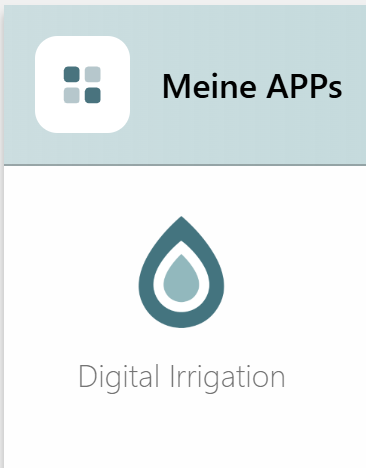
- Click "Account"
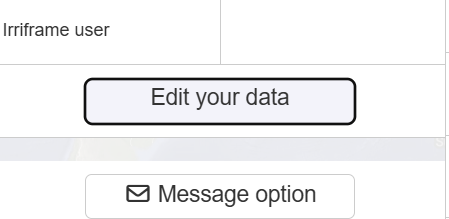
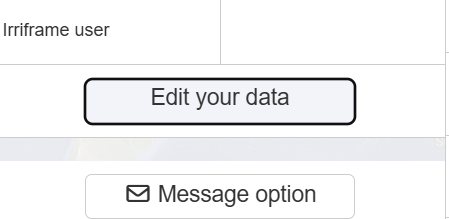
- Click "Edit Personal Data"
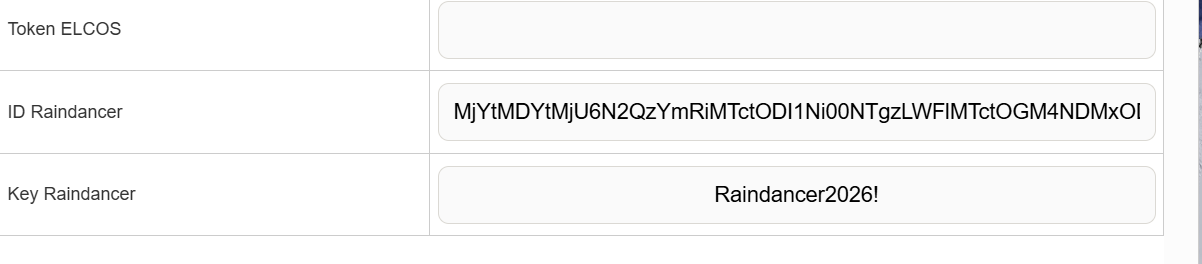
- Enter the API ID and API Key, then click Save
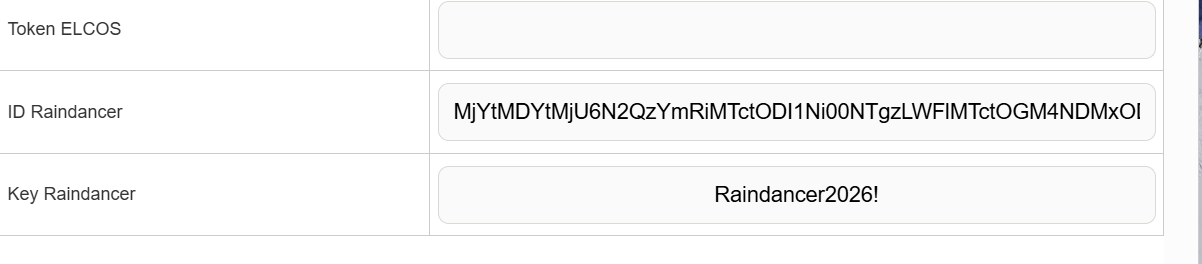
Configure the Irrigator in the OCMIS Portal
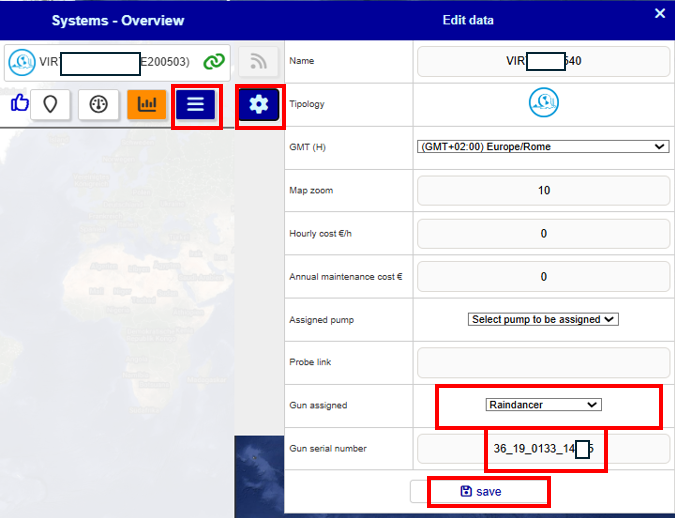
- Open the Irrigator Overview.
-
Navigate to Settings → Configurations.
- Select Raindancer Mode and enter the serial number of the Raindancer module installed on the irrigator cart for this machine.
- Save
3. Assign the OCMIS Controller Serial Number in the Raindancer Portal
1 Find the Controller Serial Number
- Log in to the OCMIS Portal
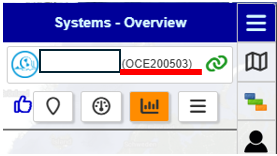
- Copy the irrigator's serial number without the parentheses
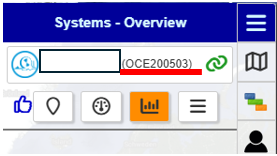
2 Assign the Controller to an Irrigator
- Log in to the Raindancer Portal.
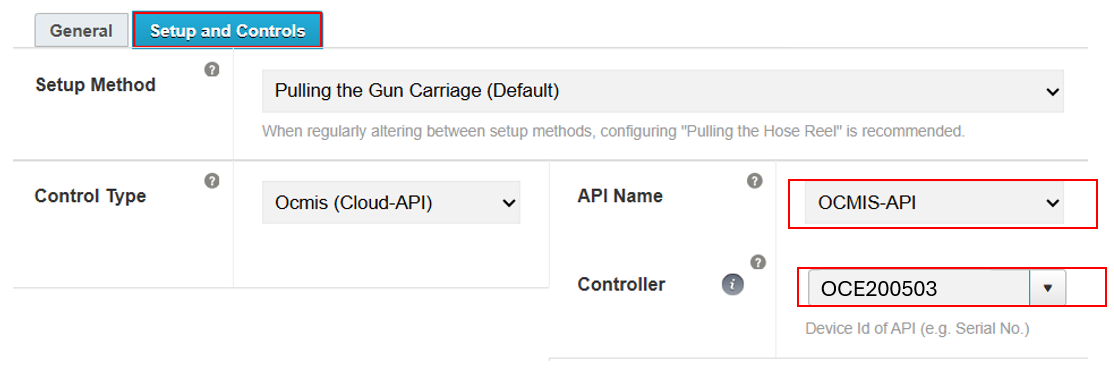
- Open the Setup and Controller section.
- Controller Type: OCMIS API
- API Name: The API name created in Section 1.2 (Example: OCMIS API)
- Select Controller: Choose the copied serial number from Section 3.1 (Example: OCE200503)
4. OCMIS-SteuerungSet einrichtenup anthe derOCMIS Trommelcontrol unit on the reel
FürFor diethe folgendenfollowing Schrittesteps, istit esis notwendignecessary sichto mitfamiliarize deryourself Gebrauchsanweisungwith derthe Trommel vertraut zu machen um keine falschen Einstellungen vorzunehmen. Dort finden sich auch die Zugangsdaten zu den unterschiedlichen Konfigurationsmenüreel's deruser OCMIS-Steuerung.
Ebenfallsto istavoid sicherzustellen,making dassincorrect dassettings. ModemThe dermanual OCMIS-Steurungalso aktivcontains istthe undaccess entwedercredentials einefor eigenethe Simkartevarious oderconfiguration diemenus E-SIMof desthe verbautenOCMIS Routercontrol funktioniert.unit.
BeiIt Fragenmust bezüglichalso derbe Themenensured that the modem of the OCMIS control unit is active and that either a dedicated SIM card or the e-SIM of the installed router is working.
If you have any questions regarding the topics in diesemthis Block,section, wendenplease Siecontact sichyour bitteOCMIS ansales Ihren OCMIS-Vertriebspartner!partner!
Activate Raindancer Modusmode fürfor denthe Regnerwagenirrigator aktivierentrolley
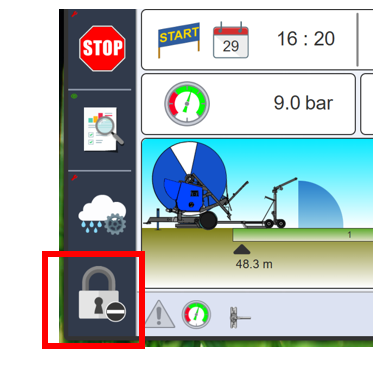
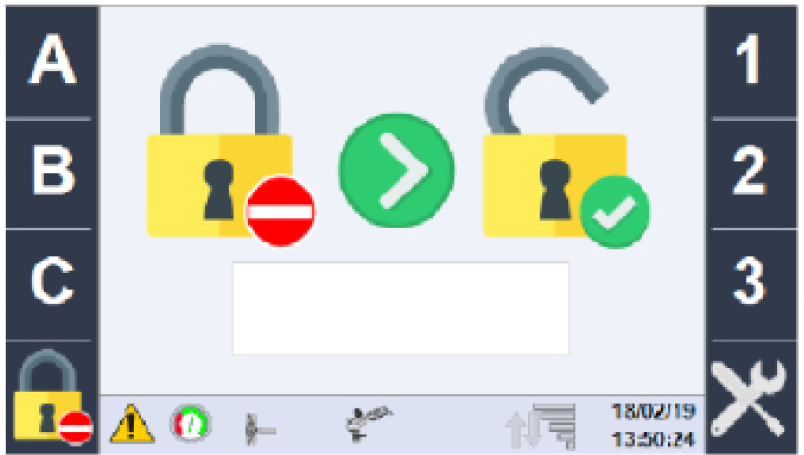
ZunächstgebenFirst,
Sieenterüberthedas Schloss-Symbol unten Links das Kennwortpassword ABC123einvia the lock icon at the bottom left
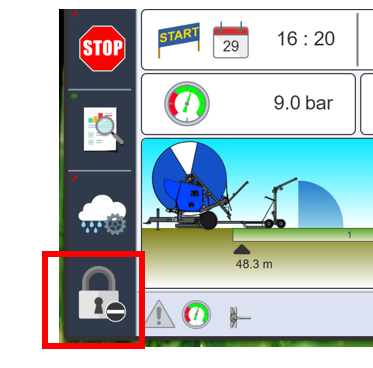
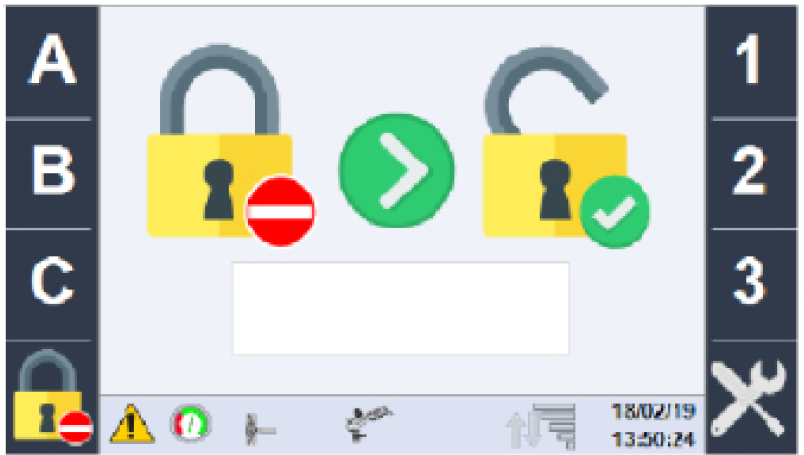
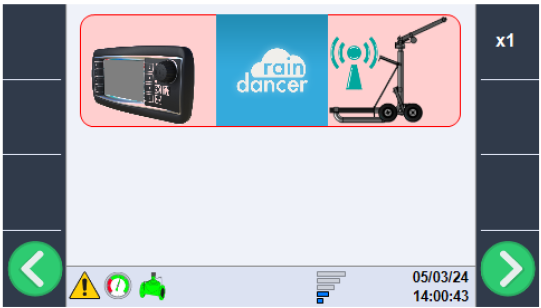
NunüberNow
dieusegrünenthePfeiltastengreenbisarrowzurkeysKanonenkonfigurationtoblätternscrollundtoüberthedasgunDrehradconfiguration,inthendenuseRaindancer-Modusthewechselnrotary dial to switch to Raindancer mode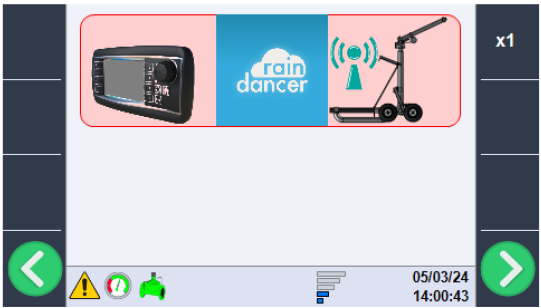
AufderOn
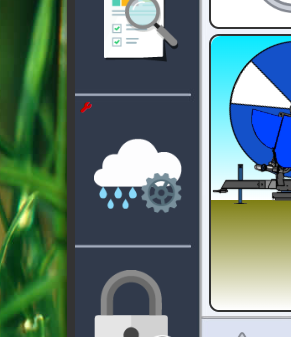
HauptseitetheklickenmainSiepage,aufclickdietheWolkecloudmiticondemwithZahnrad
the gear symbol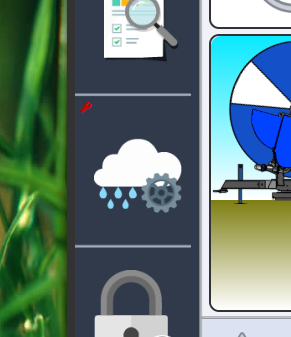
wechselnSieClick
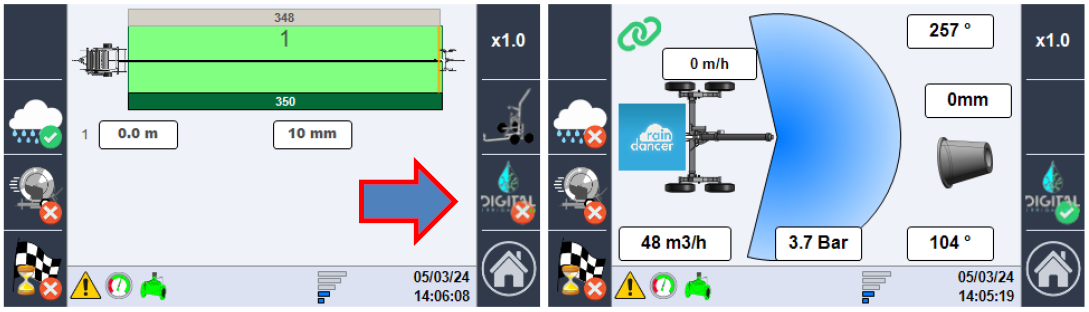
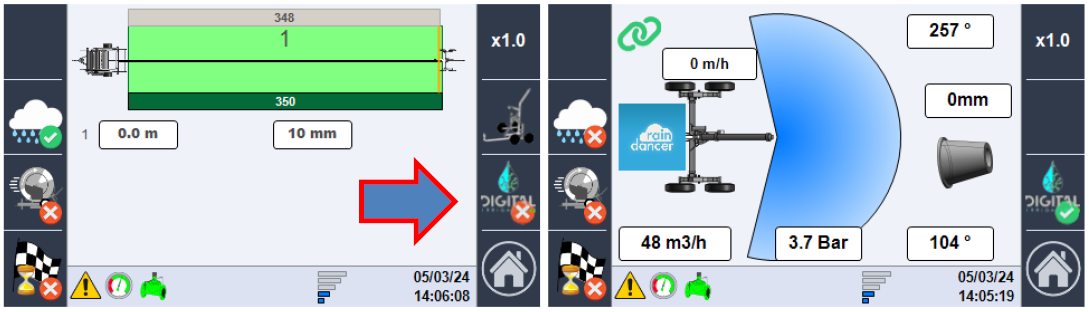
mit einem Klick auf denthe "DIGITAL"-KnopfinbuttondentoAbhängigkeitsmodusswitch to the Raindancer
dependency mode