Ocmis API
Integrating the OCMIS RainControl 5 IP Controller via API
This guide applies to all IP controllers in the OCMIS product family running software version 24.0.1 or later:
Irtec Smart Rain, OCMIS RainControl 5 & Marani
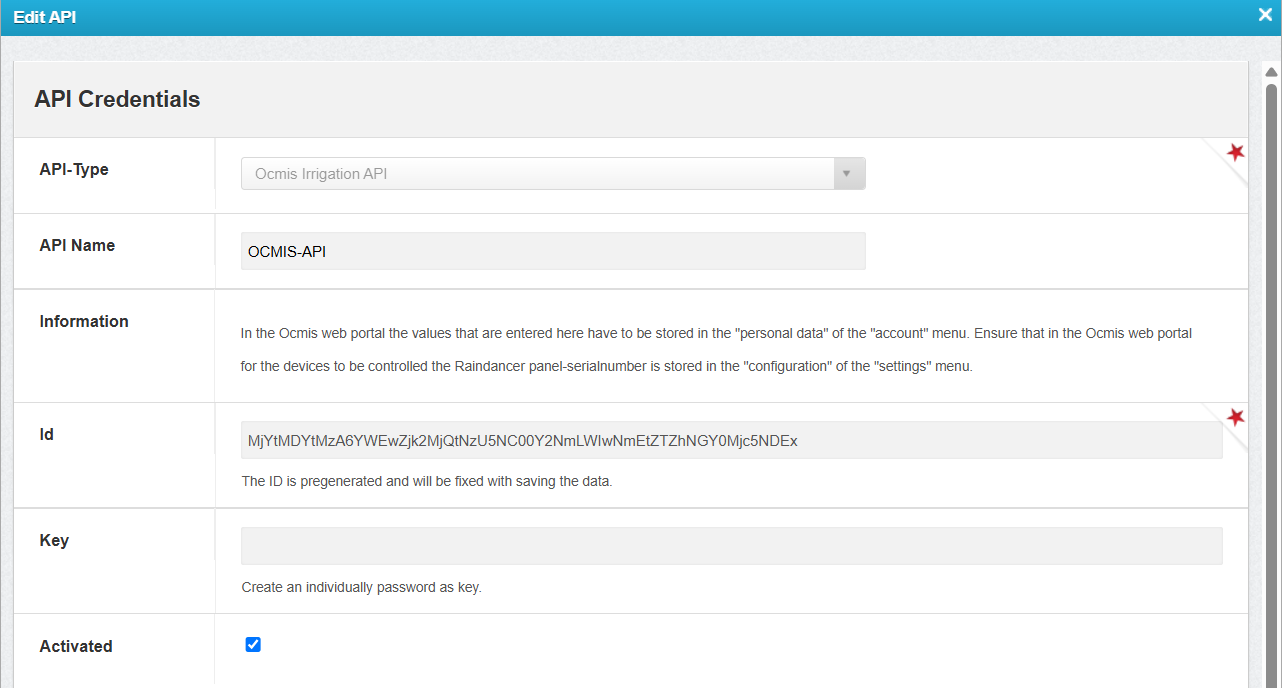
1. Create a New API in the Raindancer Portal
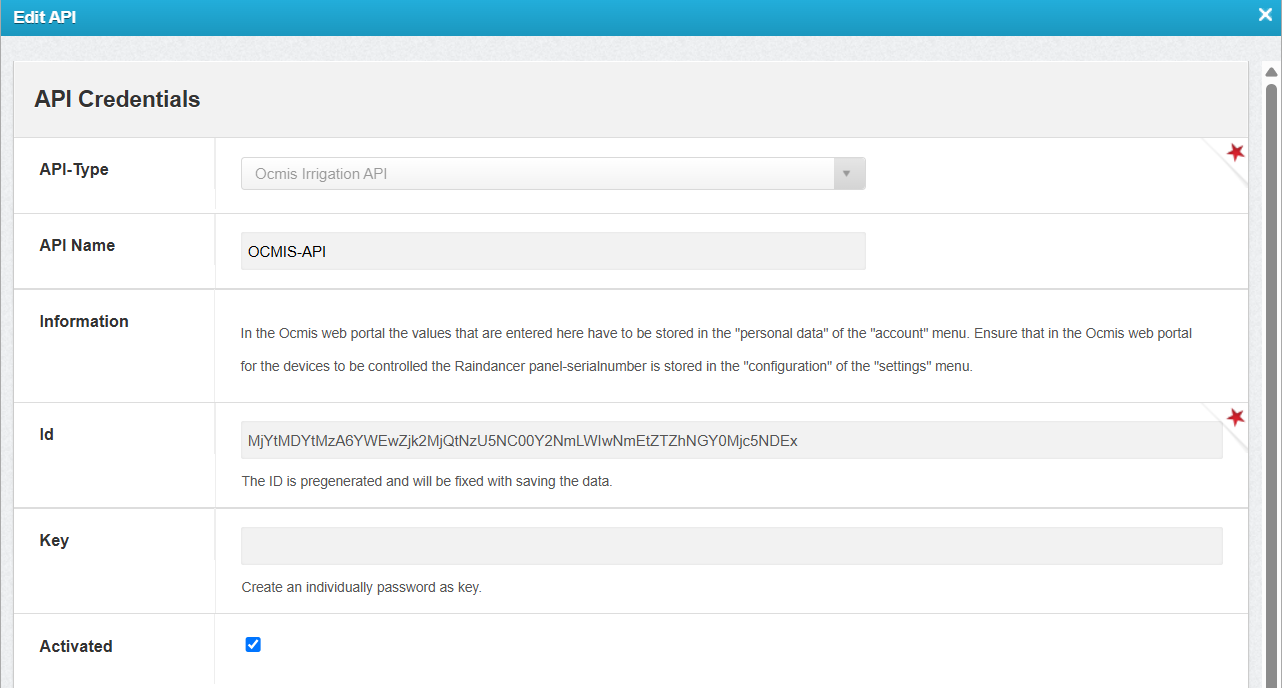
- Configure the API connection in Raindancer under Settings → API → New API
-
API Name: Freely selectable
Example: OCMIS API -
ID: Automatically generated
-
Key: Freely selectable
Example: OCMIS-API-123!
2. Configure the API and Irrigator in the OCMIS Portal
Enter the Raindancer API credentials in the OCMIS Portal.
- Log in to the OCMIS Portal (https://www.irriverso.com/)
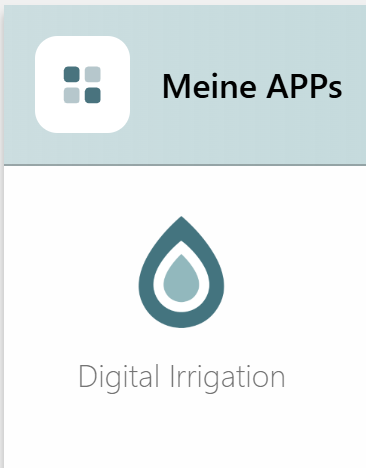
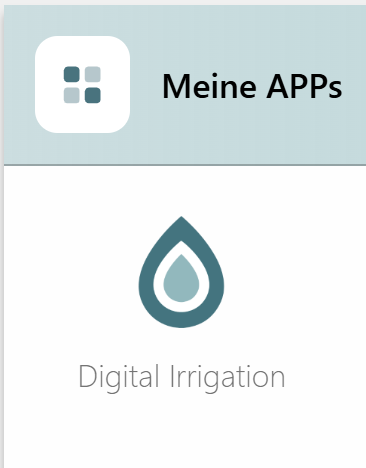
- Navigate to "My Apps" and click "Digital Irrigation"
- Click "Account"
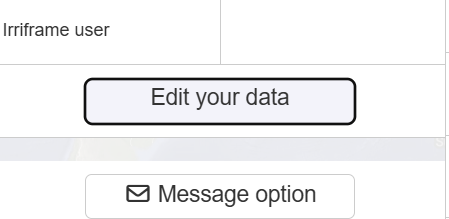
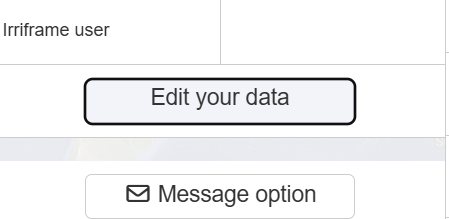
- Click "Edit Personal Data"
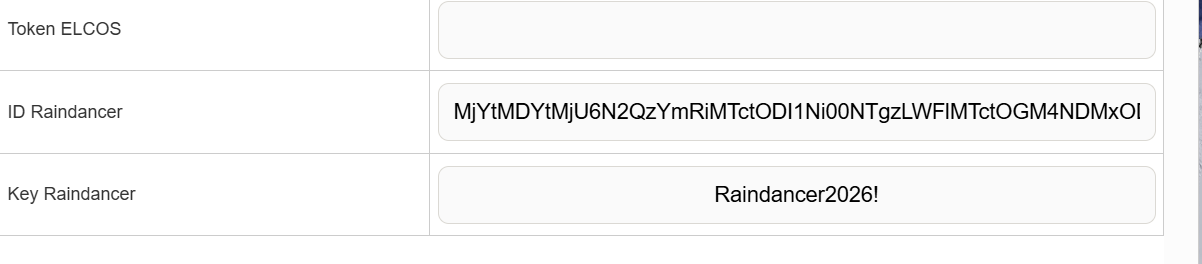
- Enter the API ID and API Key, then click Save
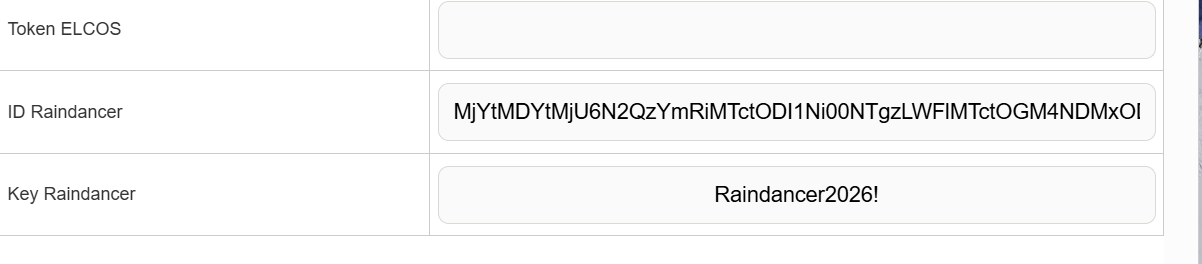
Configure the Irrigator in the OCMIS Portal
- Open the Irrigator Overview.
-
Navigate to Settings → Configurations.
- Select Raindancer Mode and enter the serial number of the Raindancer module installed on the irrigator cart for this machine.
- Save
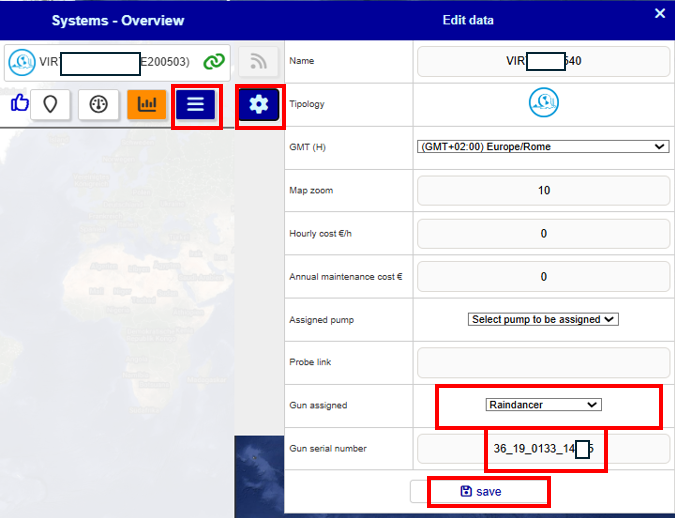
3. Assign the OCMIS Controller Serial Number in the Raindancer Portal
1 Find the Controller Serial Number
- Log in to the OCMIS Portal
- Copy the irrigator's serial number without the parentheses
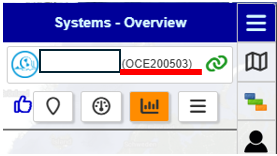
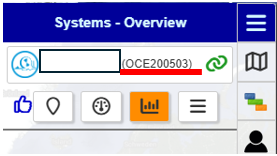
2 Assign the Controller to an Irrigator
- Log in to the Raindancer Portal.
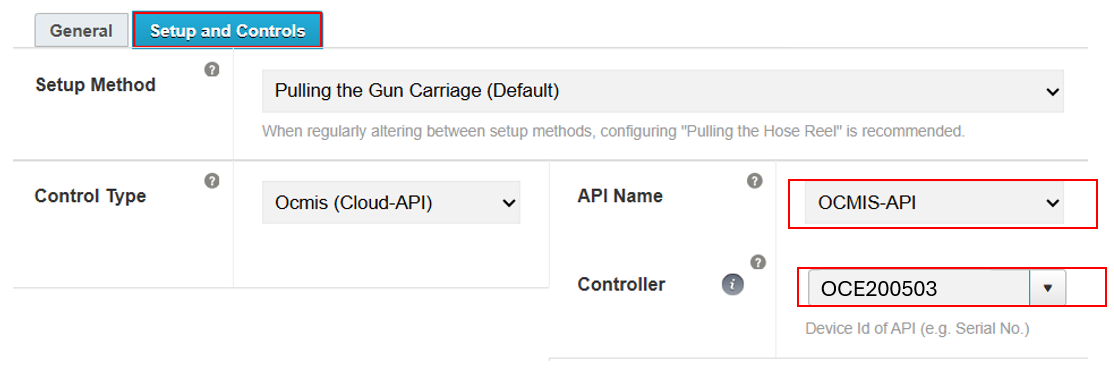
- Open the Setup and Controller section.
- Controller Type: OCMIS API
- API Name: The API name created in Section 1.2 (Example: OCMIS API)
- Select Controller: Choose the copied serial number from Section 3.1 (Example: OCE200503)
4. OCMIS-Steuerung einrichten an der Trommel
Für die folgenden Schritte ist es notwendig sich mit der Gebrauchsanweisung der Trommel vertraut zu machen um keine falschen Einstellungen vorzunehmen. Dort finden sich auch die Zugangsdaten zu den unterschiedlichen Konfigurationsmenüs der OCMIS-Steuerung.
Ebenfalls ist sicherzustellen, dass das Modem der OCMIS-Steurung aktiv ist und entweder eine eigene Simkarte oder die E-SIM des verbauten Router funktioniert.
Bei Fragen bezüglich der Themen in diesem Block, wenden Sie sich bitte an Ihren OCMIS-Vertriebspartner!
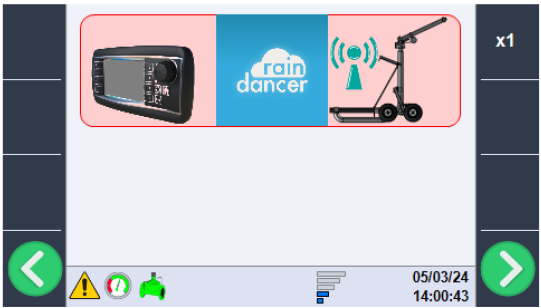
Raindancer Modus für den Regnerwagen aktivieren
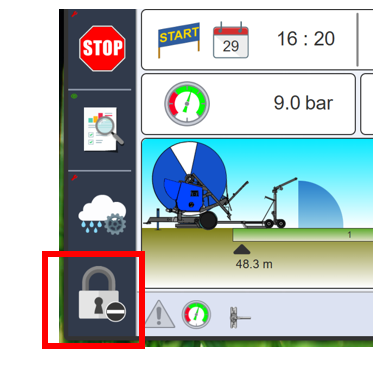
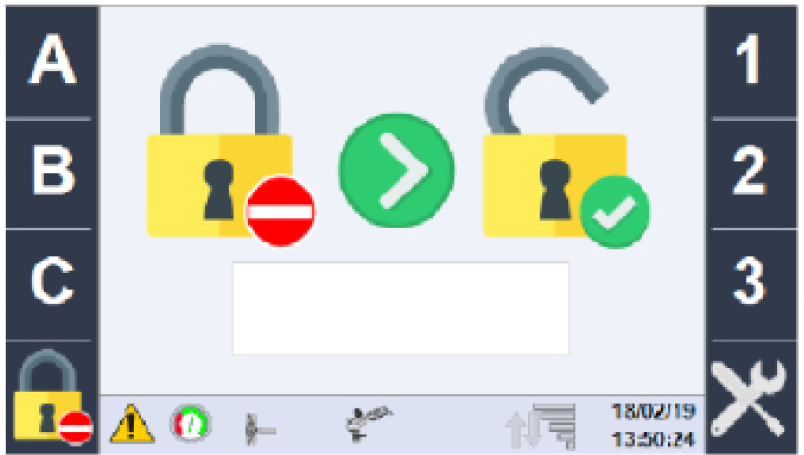
- Zunächst geben Sie über das Schloss-Symbol unten Links das Kennwort ABC123 ein
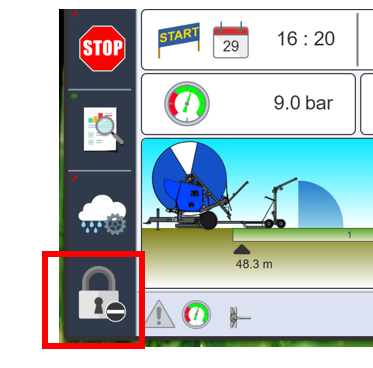
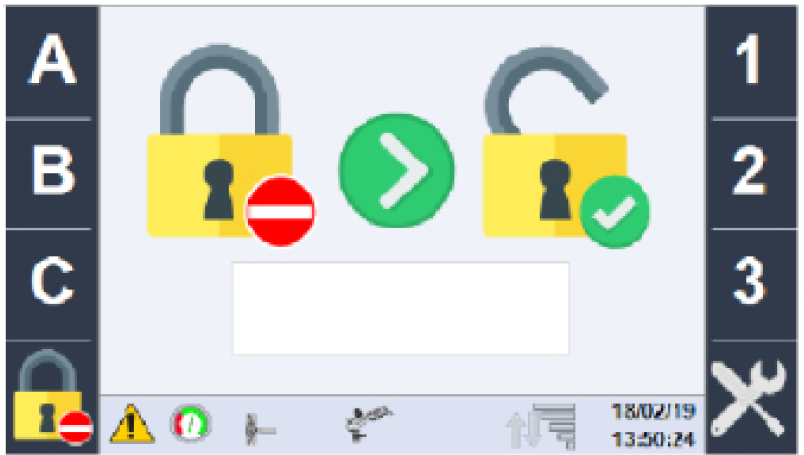
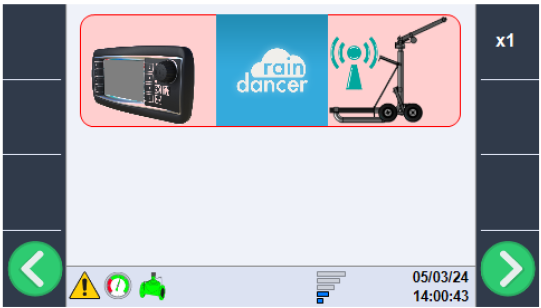
- Nun über die grünen Pfeiltasten bis zur Kanonenkonfiguration blättern und über das Drehrad in den Raindancer-Modus wechseln
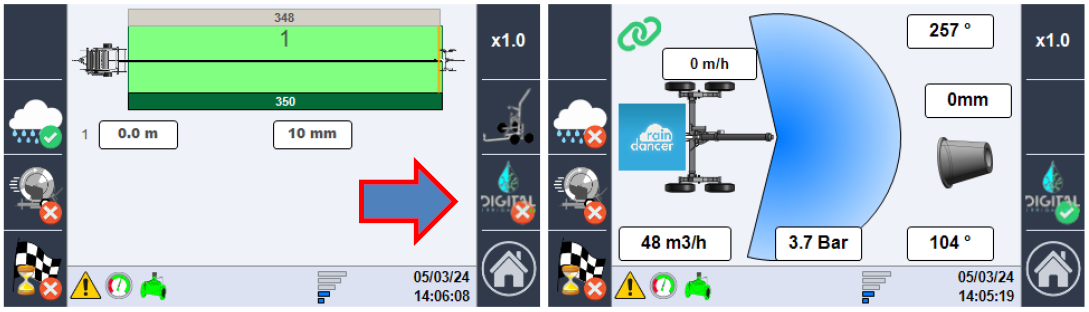
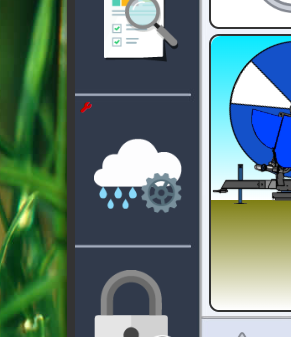
- Auf der Hauptseite klicken Sie auf die Wolke mit dem Zahnrad
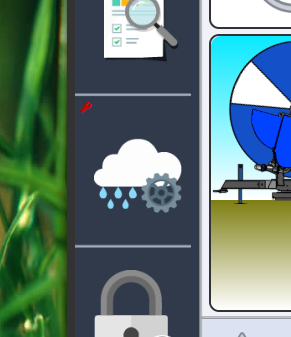
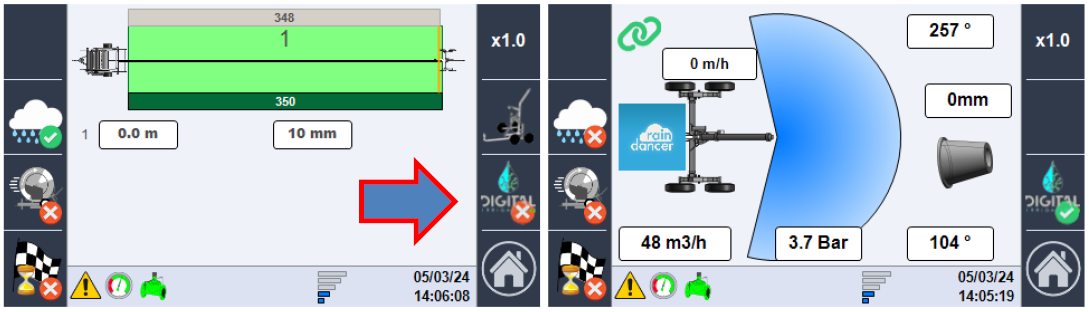
- wechseln Sie mit einem Klick auf den "DIGITAL"-Knopf in den Abhängigkeitsmodus Raindancer