# Event Areas and their Actions
## Overview
It is possible to draw areas on the fields to trigger one or more of the following actions when entering or leaving:
- Send a message with customised text
- Send a command
- Stop active irrigation **REMOTE CONTROL**
- Change irrigation amount **REMOTE CONTROL**
- Change irrigation sector **SECTOR CONTROL**
- Set extended outputs **REMOTE CONTROL**
- Avoid irrigation **SECTOR CONTROL**
- Permit irrigation **SECTOR CONTROL**
- Cornering programme (for self-propelled) **REMOTE CONTROL**
#### Drawing in the Areas
[](https://help.raindancer.com/uploads/images/gallery/2024-03/sCHimage.png)
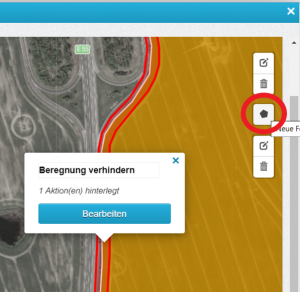
How are these event areas and the corresponding actions stored?
To do this, select the field via **Fields** and go to **Edit field**, here to **Coordinates**.
Draw an event area via **Create new shape [](https://help.raindancer.com/uploads/images/gallery/2024-04/kqHimage.png)**.
(at the bottom right, you will see a dimension bar to help you draw the shape if you switch to "Full screen" **[](https://help.raindancer.com/uploads/images/gallery/2024-03/ypfimage.png)** beforehand). When drawing, the last click must always go back to the first click.
Now **edit** the event area and select one of the options under **Action**.
---
#### Sending a message
You can send a message to yourself or another person, such as an employee, when the irrigator enters or exits an event area.
To achieve this, input the desired telephone number in the 'Recipient' field.
---
##### Sending a command
You can use the event areas to trigger one of the following commands when entering or / and leaving the event area.
- Stop active irrigation → Stops the current irrigation.
- Change irrigation quantity → Changes the amount of water in absolute (mm or m/h) or relative (in per cent) terms.
- Change irrigation sector → Adjusts the sector control.
- Avoid irrigation→ Prevents irrigation of the event area
- Permit irrigation→ Allows irrigation of the event area
- Set extended outputs
---
### Special areas for sector control
There are areas that have been specially designed for sector control. These areas allow you to customise the sector control specifically to your requirements.
#### Change irrigation sector
[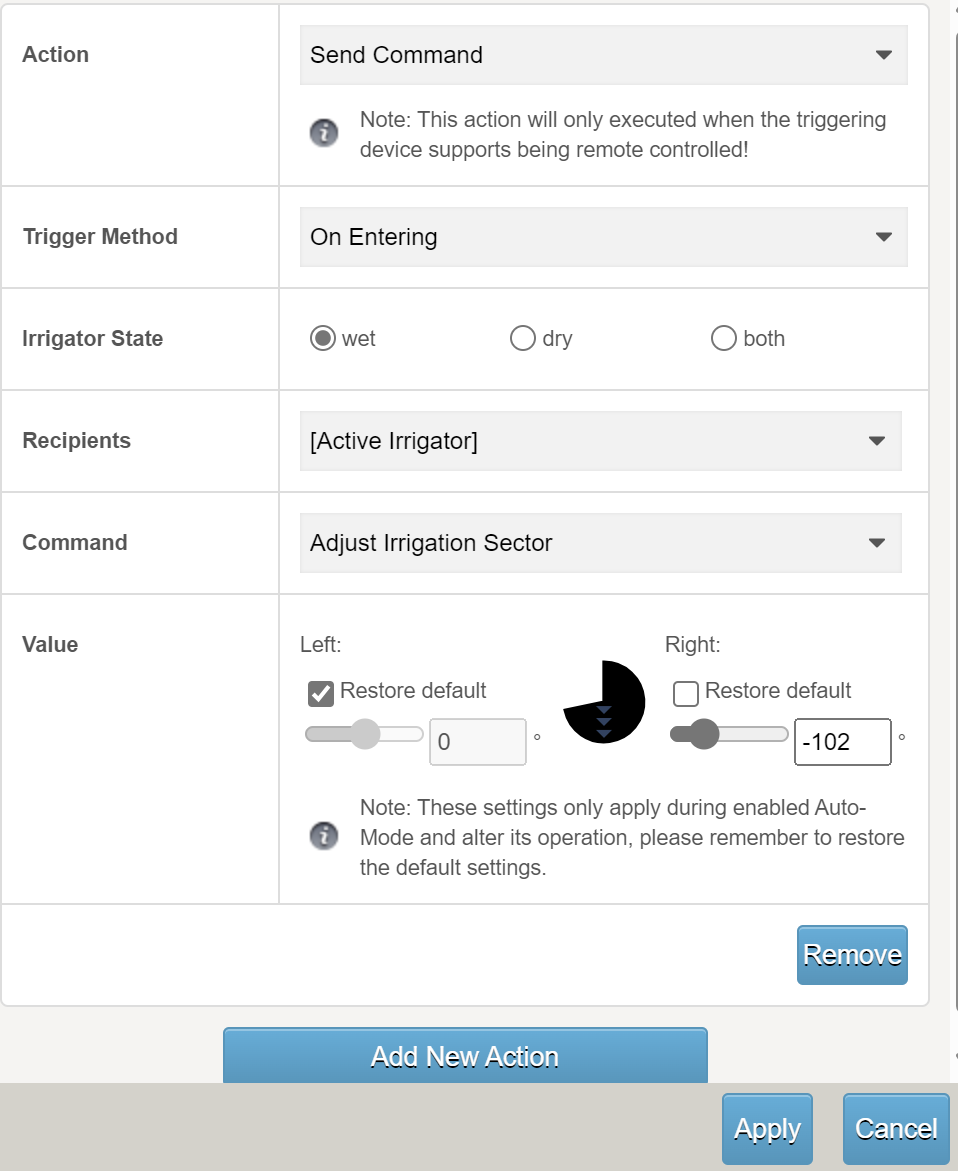](https://help.raindancer.com/uploads/images/gallery/2024-04/eOEimage.png)
Here, you can specify the left and/or right stops for the drawn sector. Of course, it then takes the field boundaries into account based on these new stop angles.
When **leaving** the drawn area, you can switch back to the default (**restore default**).
If you do not enter anything for "on leaving", the settings for this irrigation programme remain active.
The default values will then be active again for the next operation.
Do not forget to **Apply** and **Save**!
---
#### Avoid Irrigation
[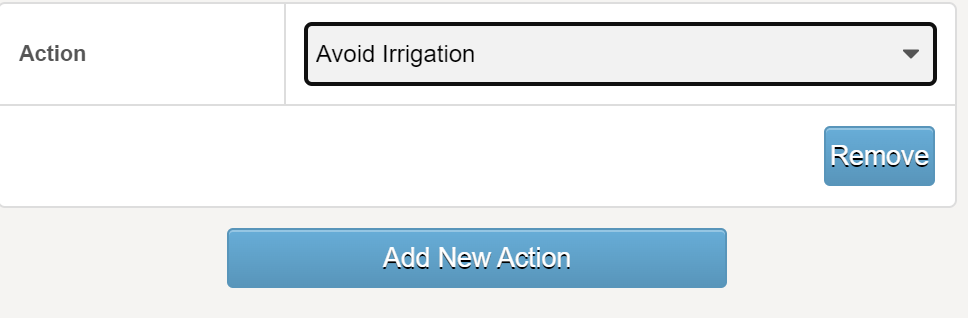](https://help.raindancer.com/uploads/images/gallery/2024-04/XTnimage.png)
Example: You do not want to irrigate an area (e.g. a strip along the motorway) for safety reasons.
Then select the **Avoid Irrigation** action in the "Action" field.
---
#### Permit Irrigation
[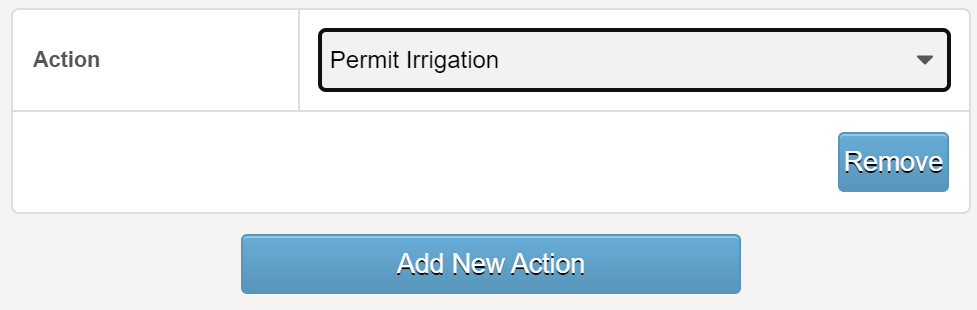](https://help.raindancer.com/uploads/images/gallery/2024-04/0kDimage.png)
Example: You want to over-irrigate an area (e.g. a strip along the woodland border) to ensure that all the plants in your field get enough water.
Then select the "**Permit Irrigation**" action in the "Action" field.
---
#### Prevent double irrigation
[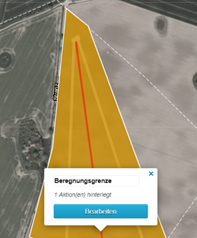](https://help.raindancer.com/uploads/images/gallery/2024-03/O37image.png)
Mark the "Avoid irrigation" area between the two Runs. Each run now only irrigates up to this area so that double irrigation is prevented.
This line should be a very narrow area - a triangle, for example. When drawing, the last click must always go back to the first - the area must be closed in this way!